Face AR filter: 3D models that follow faces in the browser
Attach a 3D model to a face, such as sunglasses on the nose or a mascot on the head. Visitors scan a QR code, allow the front camera and see the model on their face in the browser. The model follows the head as it turns.
Open a live example on your phone

Scan with your phone camera
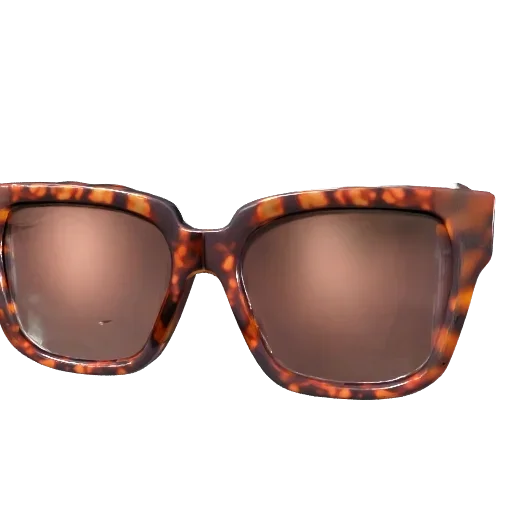
Sunglasses Try-On
Try on designer sunglasses with just the front camera — turn your head to see how they look and snap a photo
Open AR
How it works
- 1Upload a GLB or pick a model from the built-in library, and choose face as the AR type.
- 2Choose where the model sits: on top of the head, on the bridge of the nose or on an ear. Show it on up to 3 faces, and add actions for an open mouth, a wink or raised eyebrows.
- 3Publish and share the QR code at an event, in a pop-up store or on social media. Visitors take photos and videos and save them.
Where it opens
iPhone, Android and in-app browsers such as Instagram. Front camera video is processed on the phone and is not uploaded.
Frequently asked questions
Can I use my own 3D model?
Yes. Upload a GLB, then choose where it sits on the face and adjust its size and position in the editor.
How many faces can it show at once?
Up to 3. Each face gets its own copy of the model.
Can it react to expressions?
Yes. You can start an action when the visitor opens their mouth, winks or raises their eyebrows.
Can visitors take a photo?
Yes. Visitors take a photo or a video on the AR screen, then save or share it.
Is face AR a paid feature?
No. Face AR is available on every plan.