Product AR viewer: shoppers see your product in 3D and in their room
Upload a 3D model of your product and share one link or QR code. Shoppers turn it around in 3D on the page, then place it on their floor or table in AR. If the model has color and material options, choose the ones to show, and shoppers switch between them with a tap.
Open a live example on your phone

Scan with your phone camera
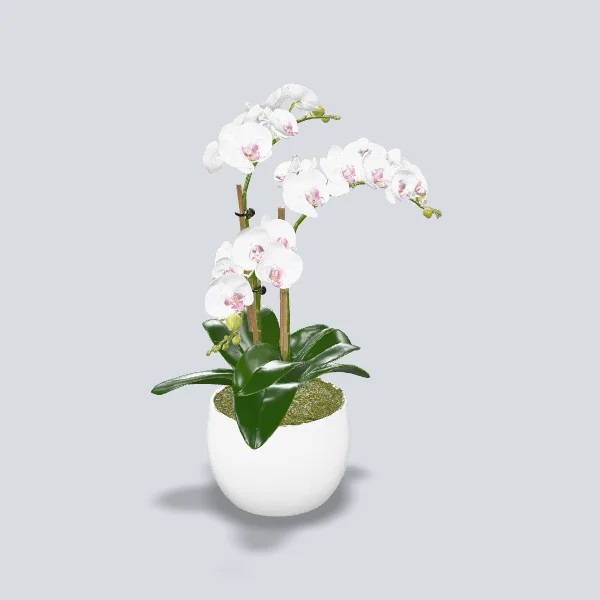
Orchid Gift Pot
See how a 75 cm phalaenopsis orchid fits on a desk or shelf before you send it as a gift.
Open AR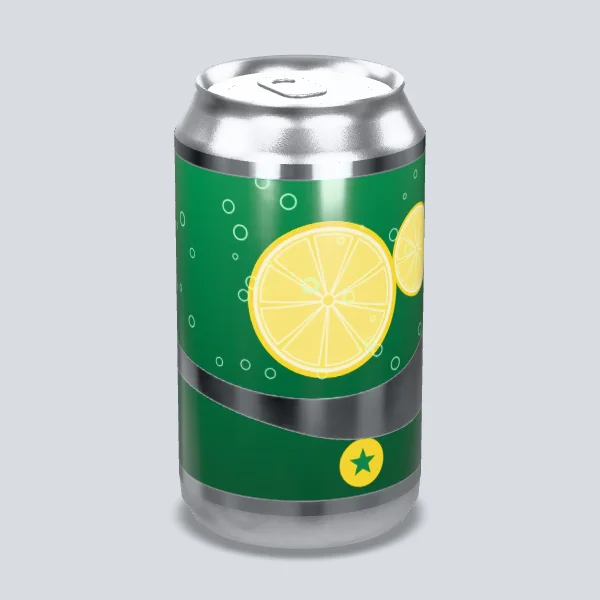

Scan with your phone camera
Beverage Can Label Preview
Put a real-size 355 ml can (12.2 cm tall) on your table in AR and check the full-wrap label from every side before it goes to print.
Open AR
How it works
- 1Upload a GLB of the product. It is prepared for phones automatically, including the file iPhone uses for AR.
- 2Choose 3D view or floor AR. By default AR fits the size so the product is easy to see. Choose Real size when shoppers need the true size, for example for furniture.
- 3Publish. Link it from your product page, or print the QR code on packaging and store displays.
Where it opens
iPhone, Android and in-app browsers such as Instagram. Floor AR opens in Quick Look on iPhone and in in-browser AR (WebXR) or Scene Viewer on Android. Some Android phones need an update of Google Play Services for AR. On iPhone, hotspots and color chips show in 3D view and not during AR.