WebAR for agencies: build client campaigns and share the results
Make AR campaigns for your clients and publish them on the client's own domain. Send campaign events to the client's analytics, and share a report link so the client can see views and visitors without an account.
Open a live example on your phone

Scan with your phone camera
AirStep 01 Launch
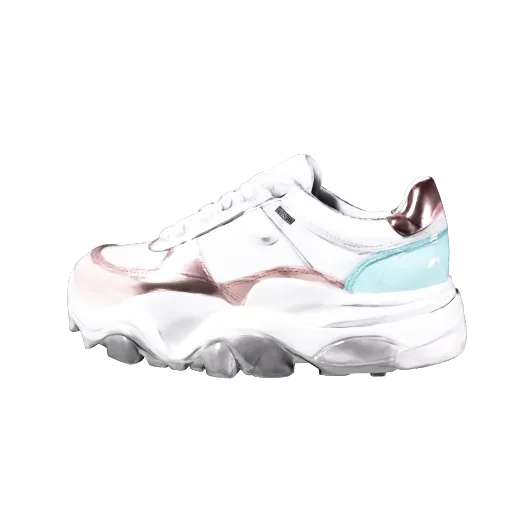
Point at the poster and the sneaker pops out at real size — a mascot presents it, tap the dots for details, sign up for launch alerts
Open AR

Scan with your phone camera
New Café Menu with Coupon
Put the new seasonal latte on your table in AR and get a free size-up coupon when you start the AR.
Open AR
How agencies use it
- 1Invite your team. Pro has 3 seats and Agency has 10.
- 2Connect client domains: 1 on Pro and 10 on Agency. Build the campaign with AR experiences, landing pages, designed QR codes and coupons.
- 3Add tracking pixels for GA4, Meta or TikTok and webhooks for the client's system. Then share a report link with the client.
What the client sees
The client opens the report link without an account and sees the campaign's views and visitors. On the Agency plan, the report shows your logo.
Frequently asked questions
How many people can work in one workspace?
Pro has 3 seats and Agency has 10.
Can campaigns run on the client's domain?
Yes. Pro includes 1 custom domain and Agency includes 10.
Can I send events to the client's analytics?
Yes. Add GA4, Meta or TikTok pixels, or send events to the client's system with webhooks.
Can I try it before paying?
Yes. Start on the free plan with no card. It includes 2 experiences and 500 views a month.
What if we run many campaigns?
Agency includes 100 experiences and 50 GB of storage. For more, contact us about Enterprise.