Image tracking AR: point a phone at your print and a 3D model appears on it
Upload the poster, flyer or label you already print and use it as the image to track. When a visitor points their phone camera at it, a 3D model appears on the print in the browser. Labels on bottles and cans work too.
Open a live example on your phone

Scan with your phone camera
AirStep 01 Launch
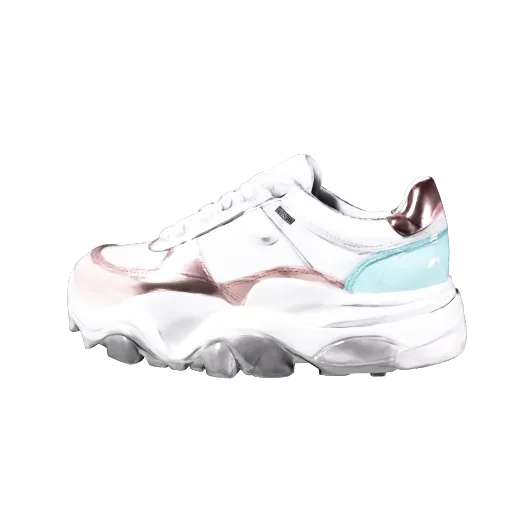
Point at the poster and the sneaker pops out at real size — a mascot presents it, tap the dots for details, sign up for launch alerts
Open AR
How it works
- 1Upload your print as the image to track: a poster, a flyer or a product label. For a bottle or a can, choose the label shape.
- 2Place a 3D model on the image. Upload a GLB or pick one from the built-in library. You can add video, images or text next to it.
- 3Publish and print the QR code next to the image, so visitors know how to open it.
Where it opens
iPhone, Android and in-app browsers such as Instagram. Camera video is processed on the phone and is not uploaded.
Frequently asked questions
Which images track well?
Images with strong contrast and lots of detail track best. Plain backgrounds and repeating patterns track poorly.
Do I need to reprint my poster?
No. Upload the image you already printed. You can change the 3D content later. Publish the change, and the same print and QR code open the new version.
Does it work on bottles and cans?
Yes. Choose the bottle or can label shape when you upload the image, and the label is tracked as it wraps around.
Is image tracking a paid feature?
No. Image tracking, face, location and floor AR are available on every plan.
Do visitors need an app?
No. They scan the QR code or open the link, allow the camera and point the phone at the print.